 Image 1 of 1
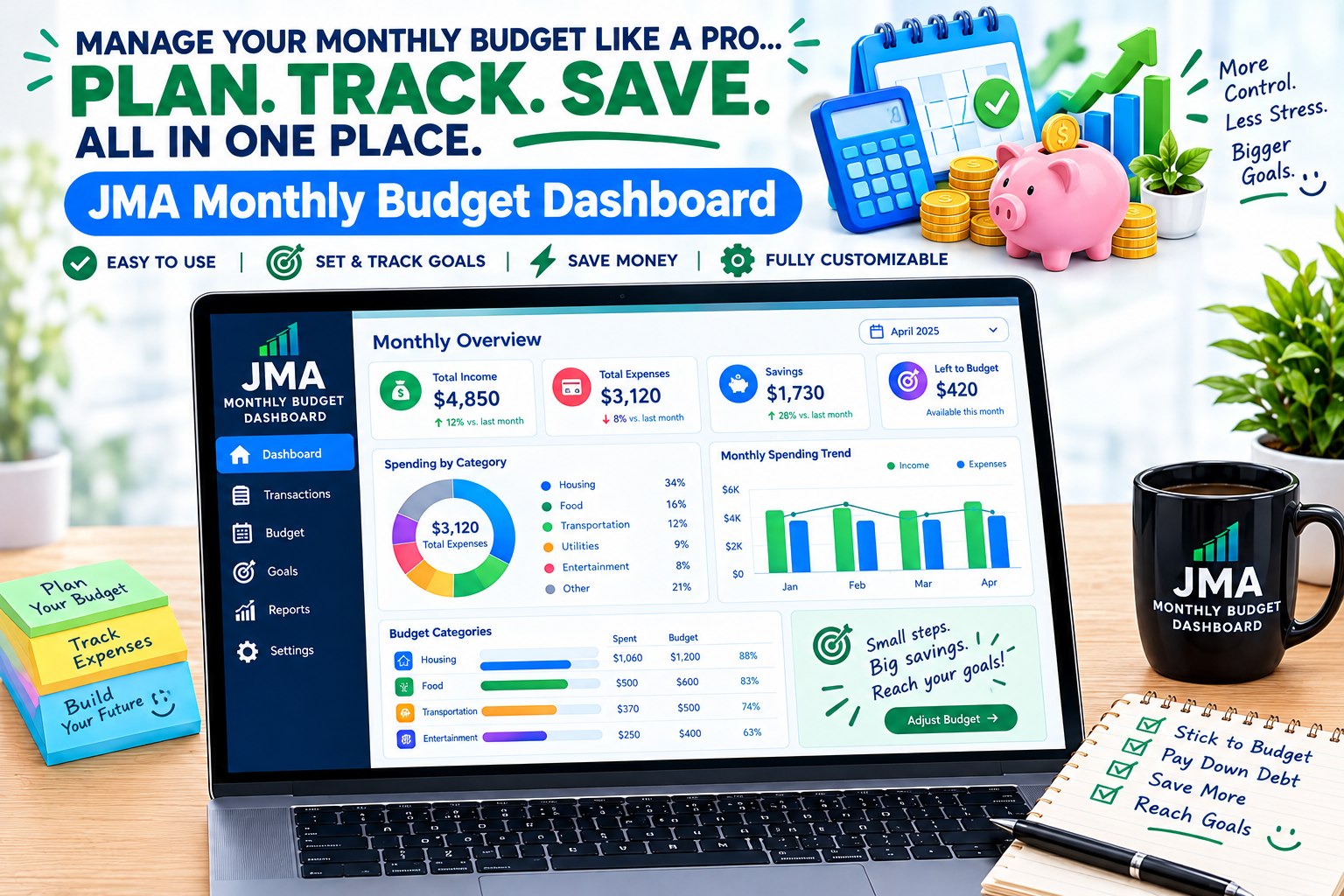
Know where every dollar goes, right from your phone. The JMA Family Budget Planner now runs in Google Sheets with its own phone app, so no Excel is needed.
Pick your budget rule (60/30/10 or 50/30/20) and enter your monthly take-home pay. The planner splits it into Needs (bills and debt payments), Wants and Savings targets, and whatever is left after Needs and Wants counts as your savings. Every time you spend, tap the gold + on your phone, type the amount, tap a category like Grocery, Gas, Utilities, Mortgage, Medical Bill or Snack Food/Drink, and save. The home screen instantly shows what’s left to spend this month, how much you can spend on wants per day, and whether each group is On track or Over.
On your computer, the dashboard adds charts of where the money went, a 12-month trend and spending by family member. When it’s time for a family budget talk, pick this month, last month, year to date or any custom dates and create a branded PDF report to share.
✓ Works on iPhone, Android and your computer
✓ Your budget is saved privately in your own Google Sheet
✓ Quick-add a purchase in seconds with one-tap categories
✓ See exactly where your money goes: every store you shop at (Walmart, Costco, your mortgage company) is listed for you to label as Grocery, Home Goods, Utilities and more, with reports by label and top stores
✓ Share the app so the whole family logs to the same budget
✓ Comes with sample data so you can try it, and a one-click Clear button to start fresh
Requires a free Google account. Setup takes about 5 minutes, and a step-by-step guide comes with your download, starting with how to put the app on your phone’s home screen.